Renaming Scenarios
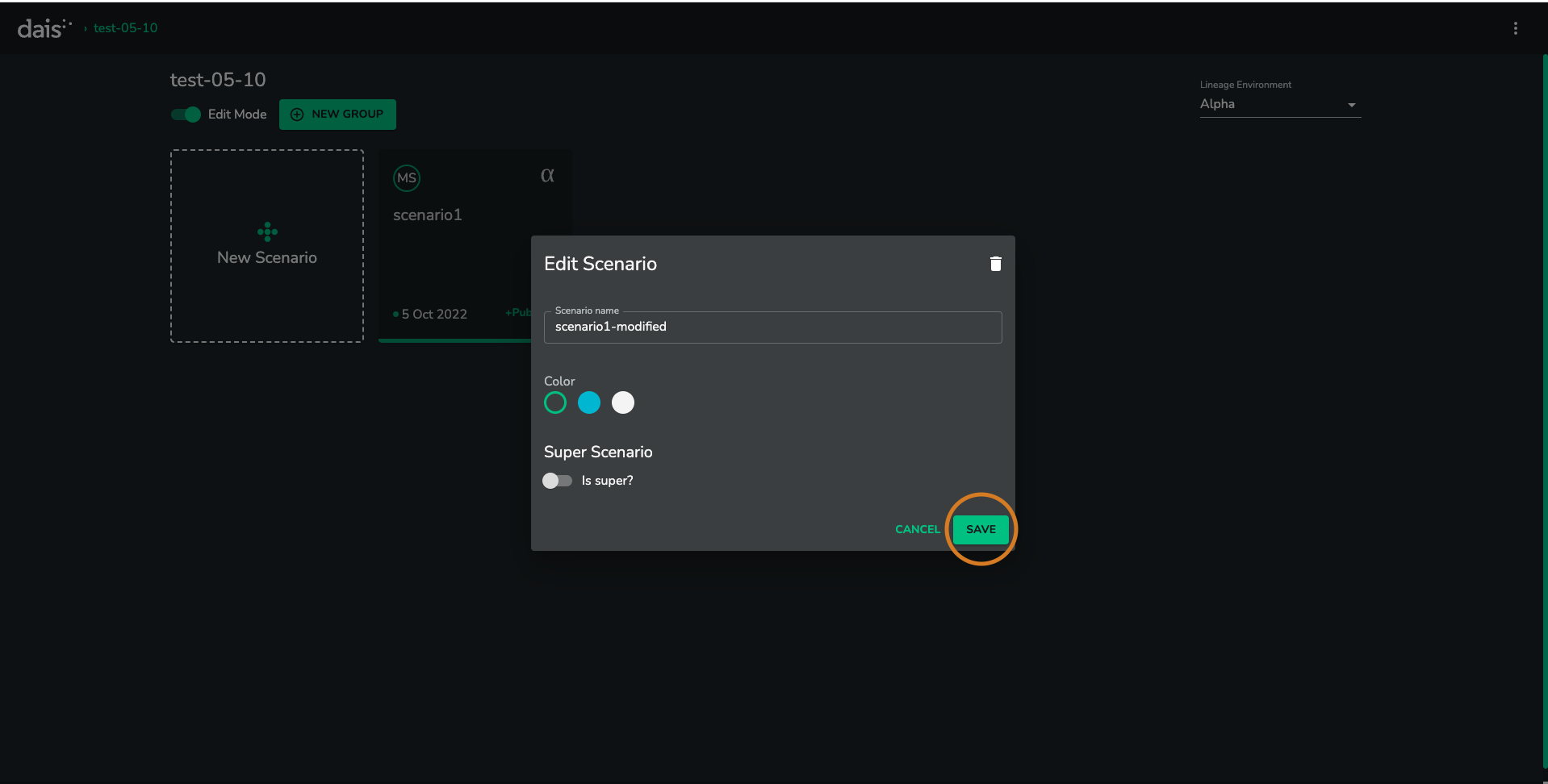
Once a scenario has been created, it can be renamed.
Steps
- Go to scenario view
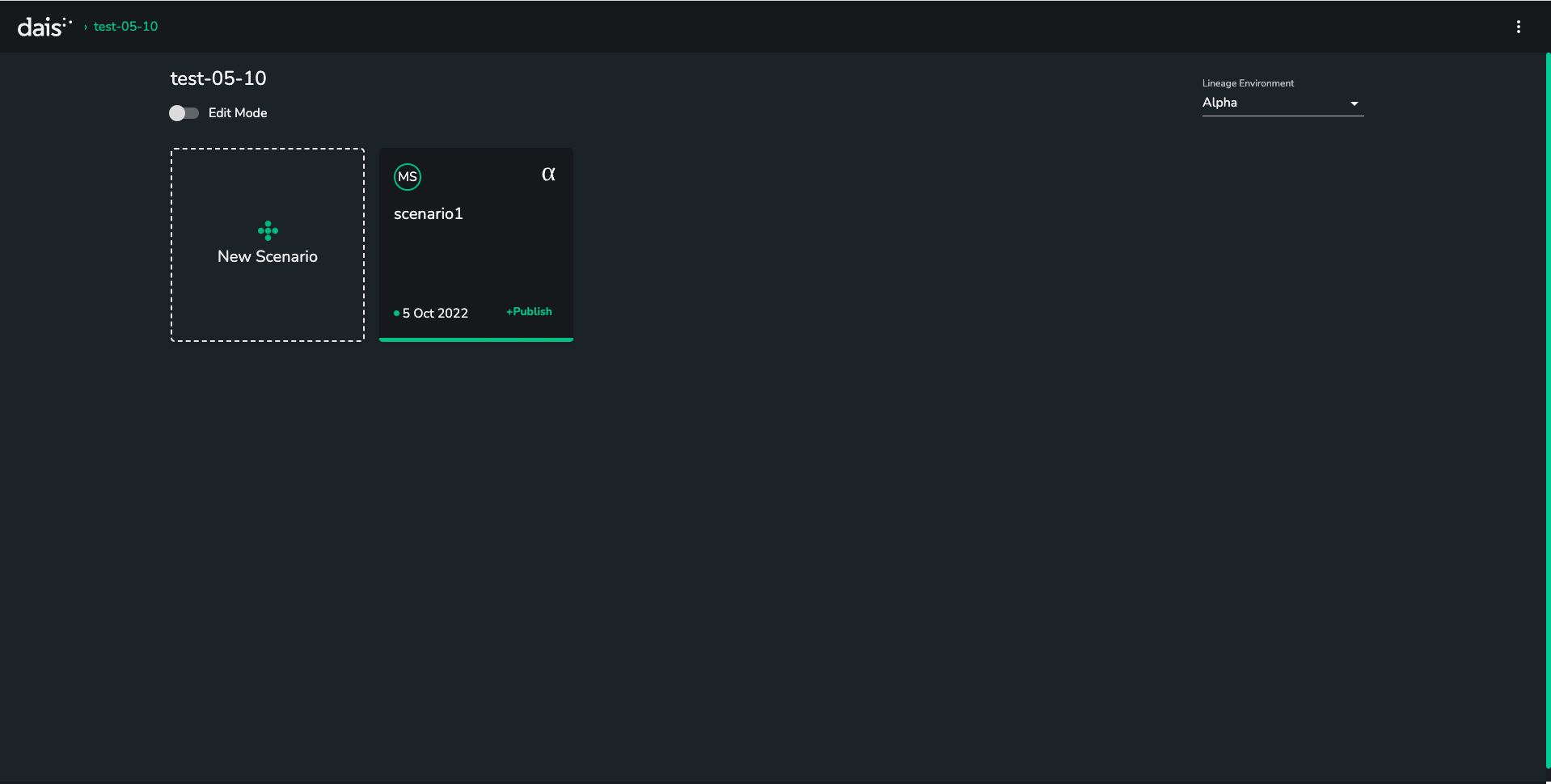
- Click on the
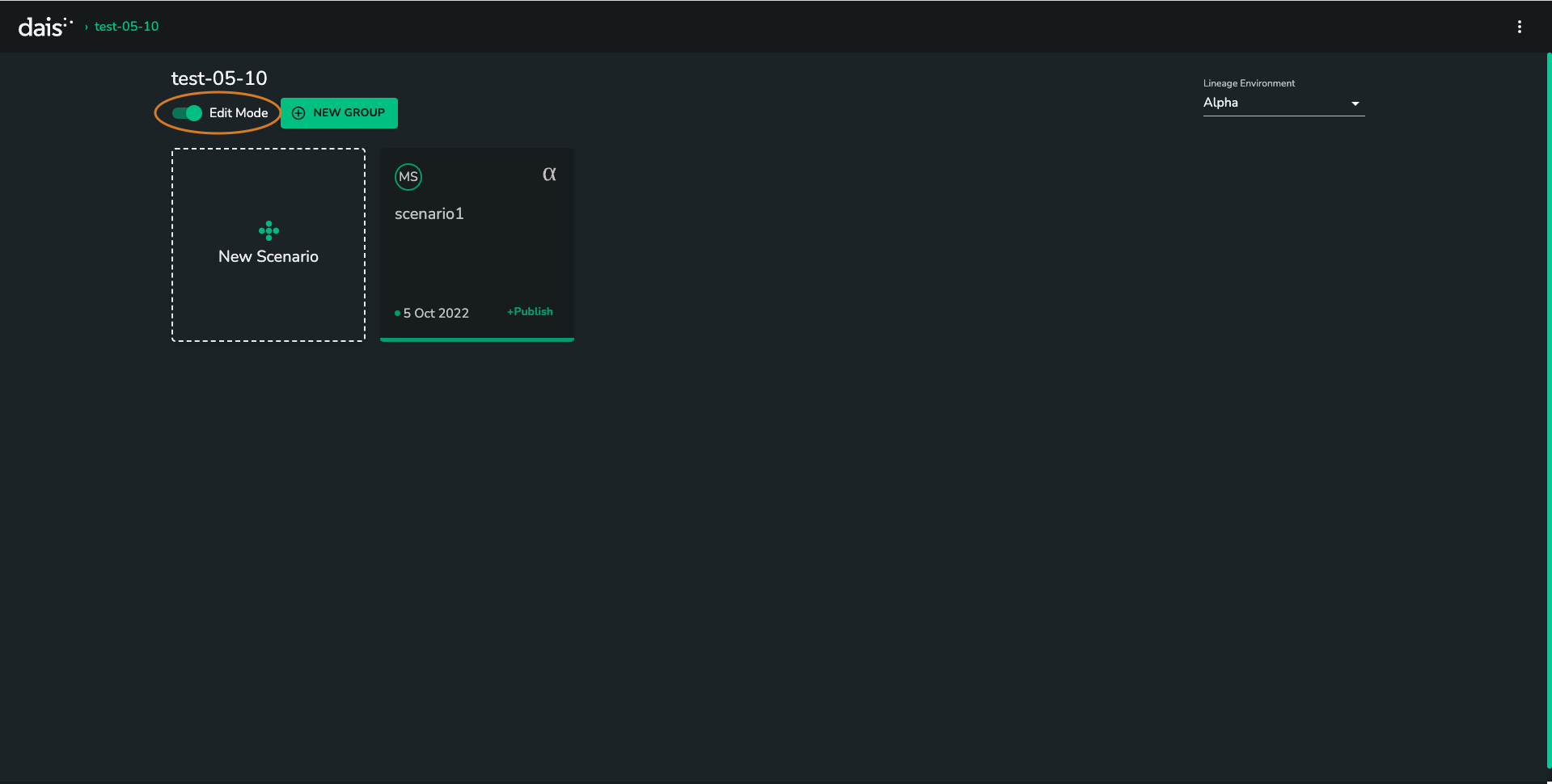
EDITbutton above the scenario tiles
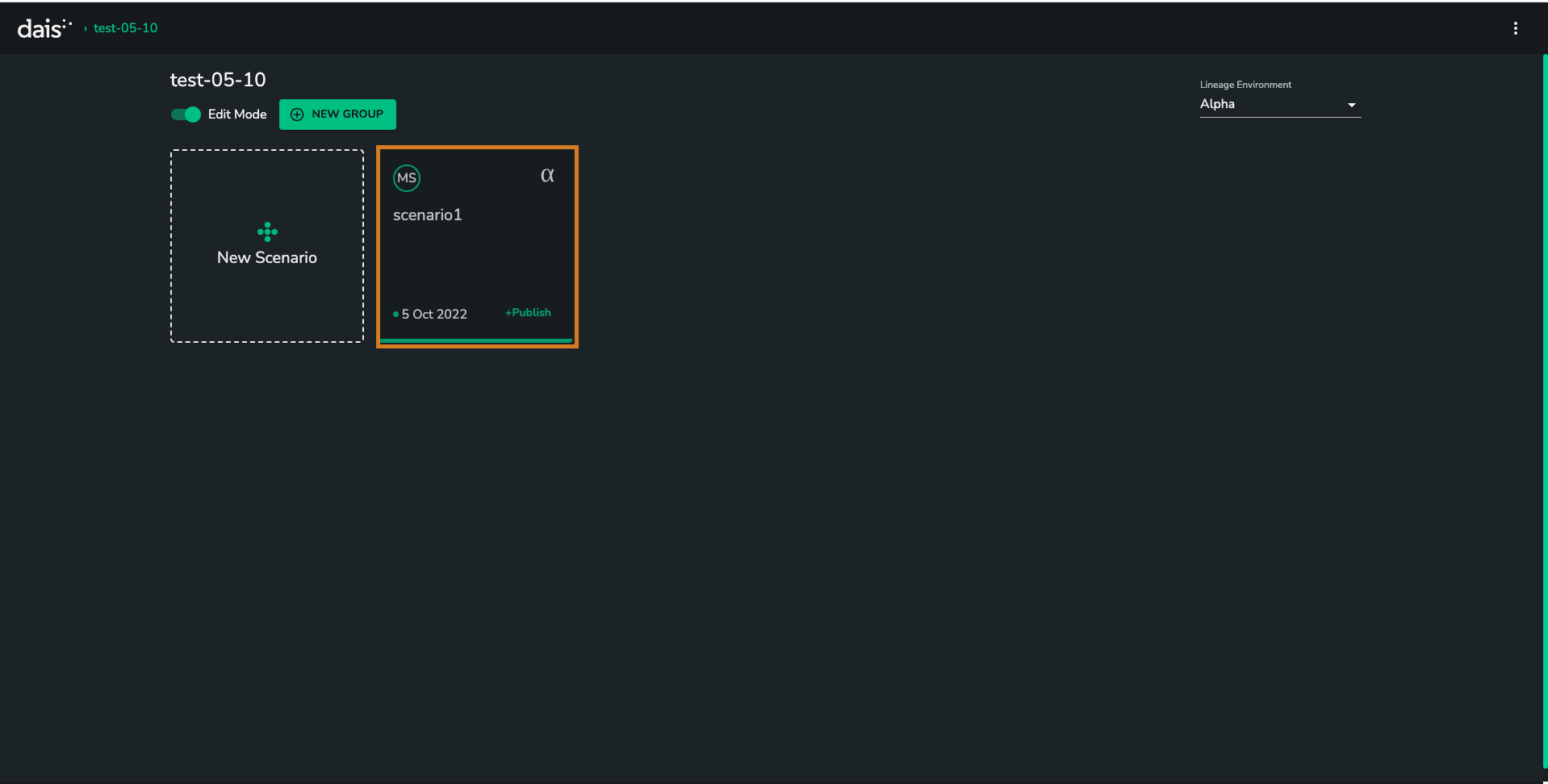
- Select the scenario you would like to rename
- Change the
Namefield
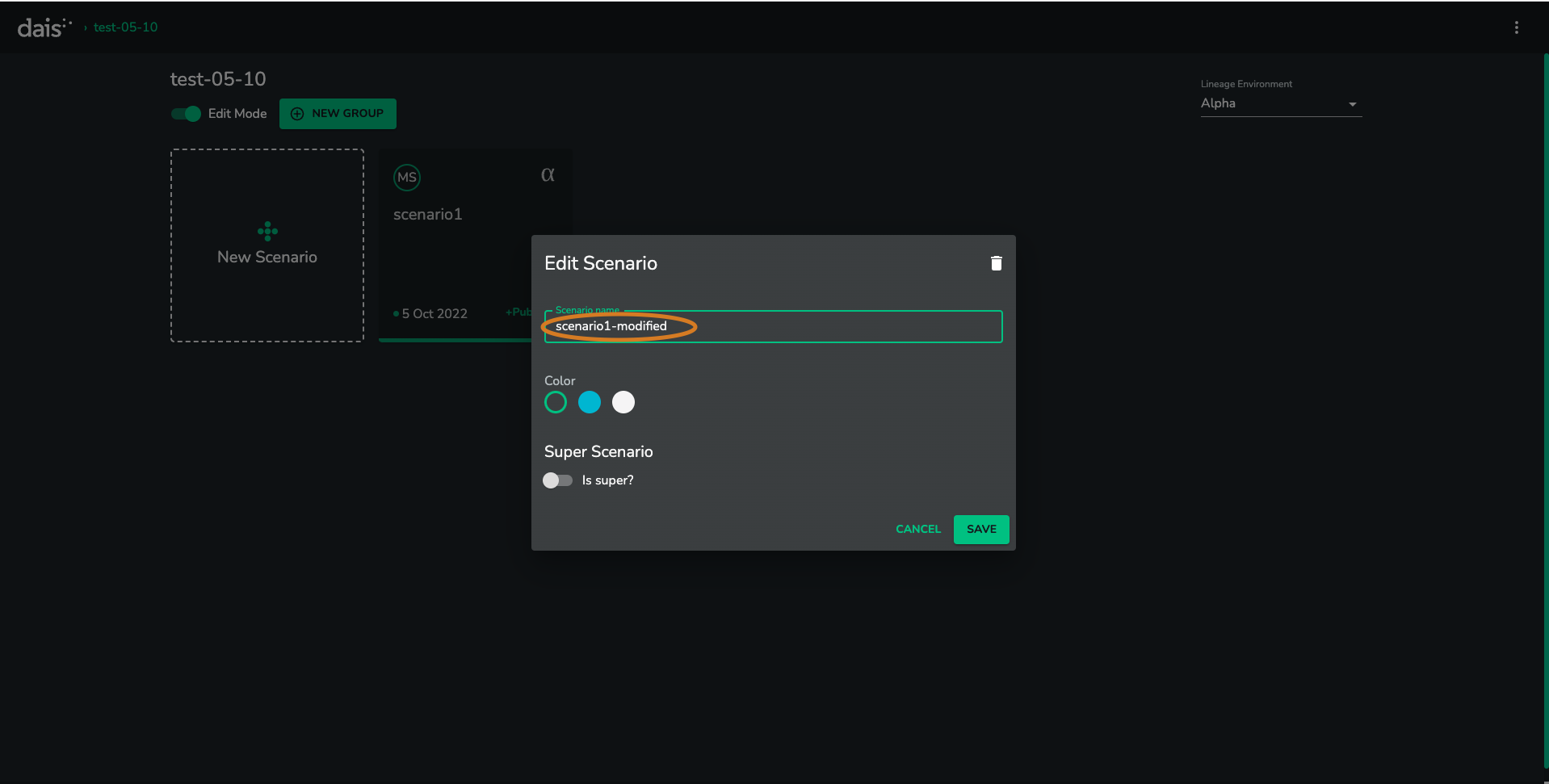
- Click the
SAVEbutton
Troubleshooting
Q: I don't have the EDIT button
A: If you don't see the EDIT button above your scenarios, it is likely that you do not have the right level of admin privilege for the application you are viewing.