Scenario Groups
In Dais you have the ability to group scenario tiles together to organize the tiles in your scenario view.
Steps
- Go to scenario view
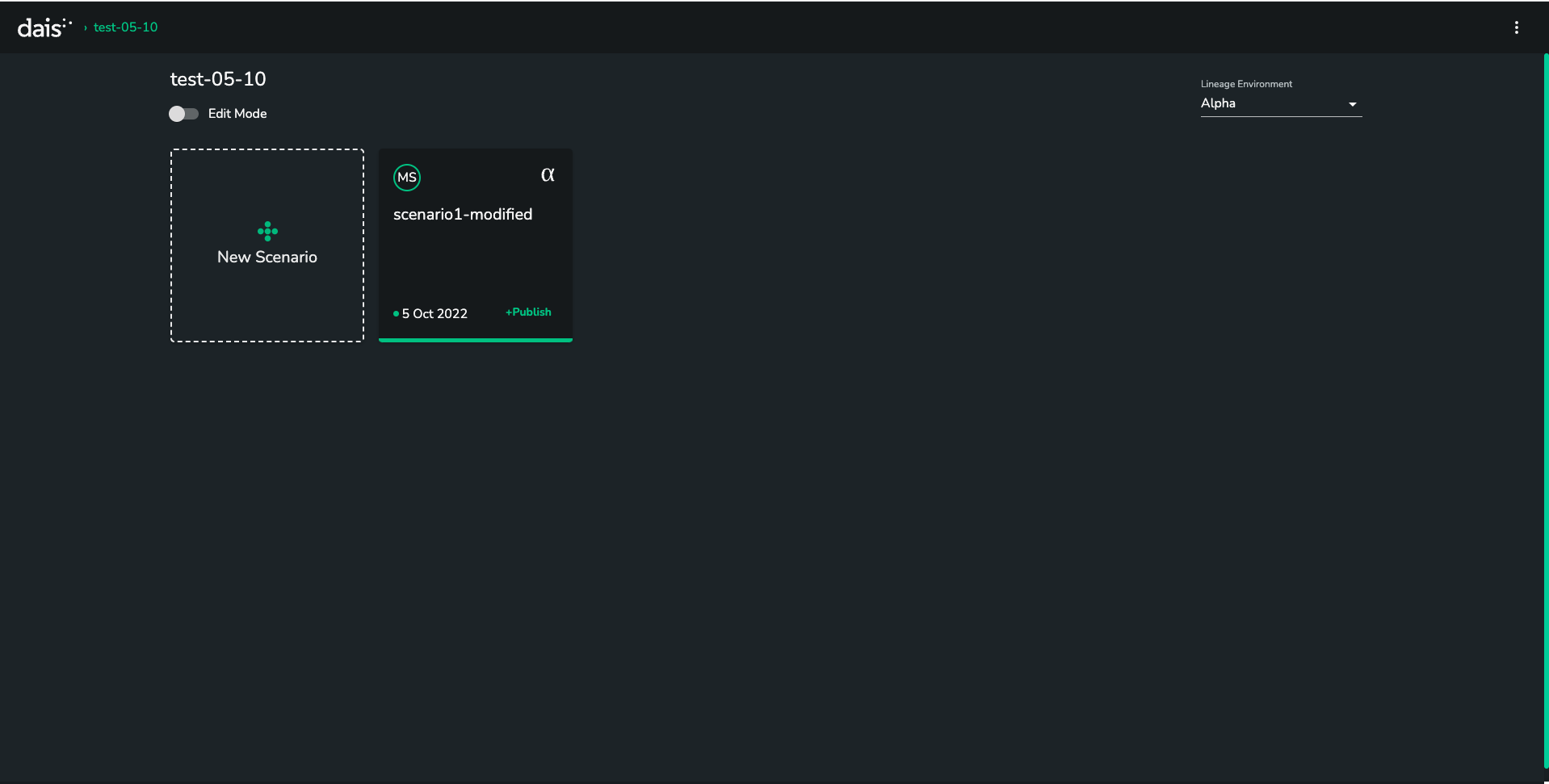
- Click on the
EDITbutton above the scenario tiles
You should now have a SAVE and NEW GROUP button.

Click on
NEW GROUPEdit the
Group Namefield to name your new group
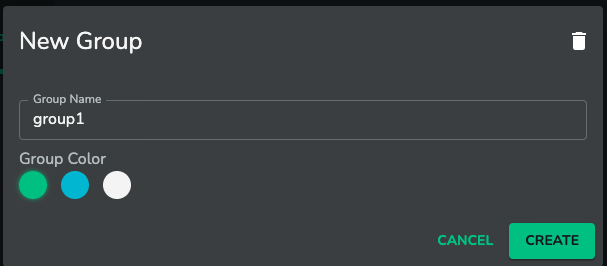
- Click
CREATE

You should now see your newly created group in your scenarios view
Troubleshooting
Q: I don't have the EDIT button
A: If you don't see the EDIT button above your scenarios, it is likely that you do not have the right level of admin privilege for the application you are viewing.