Creating a New App
 Click on "Create new app"
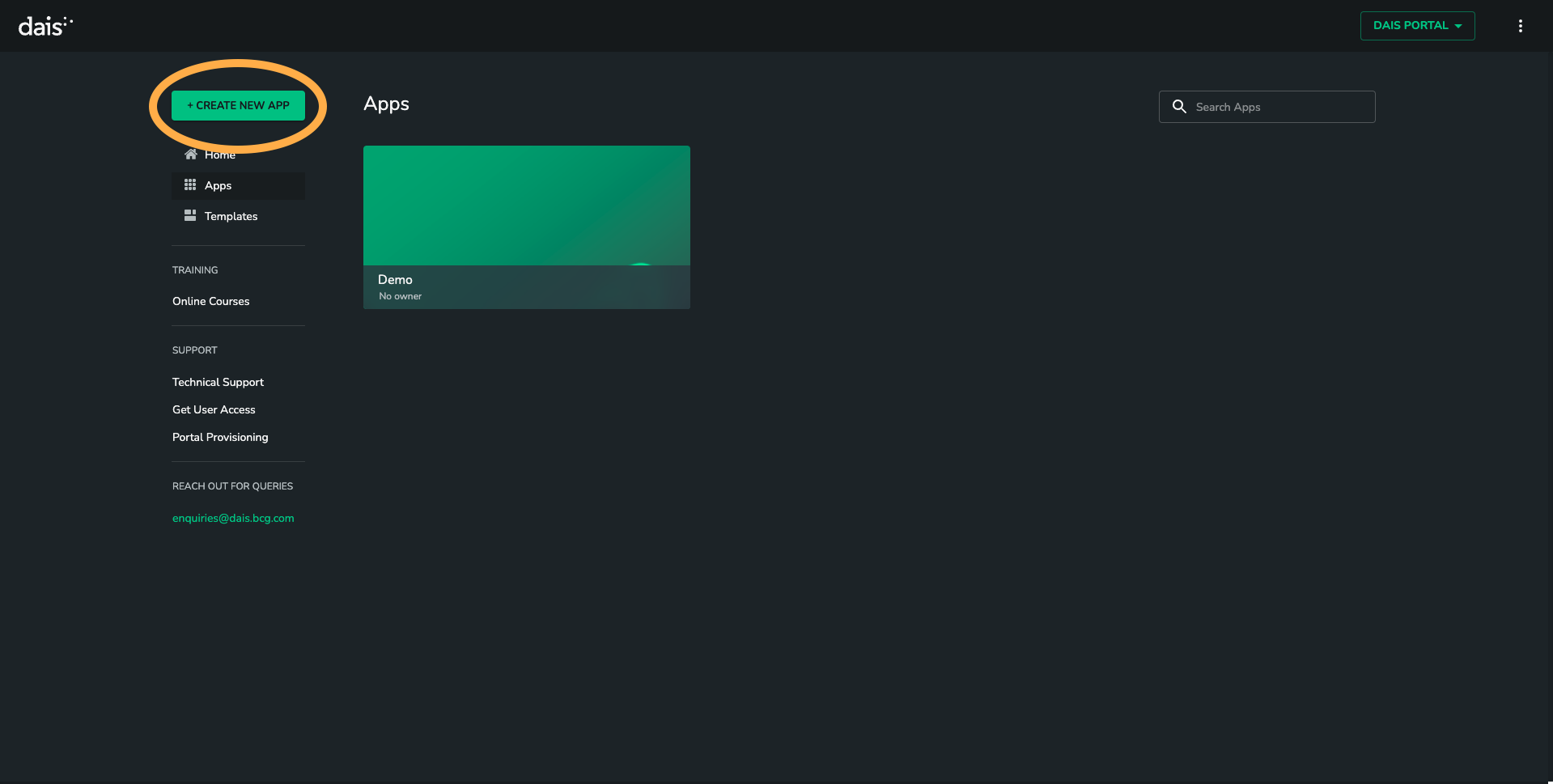
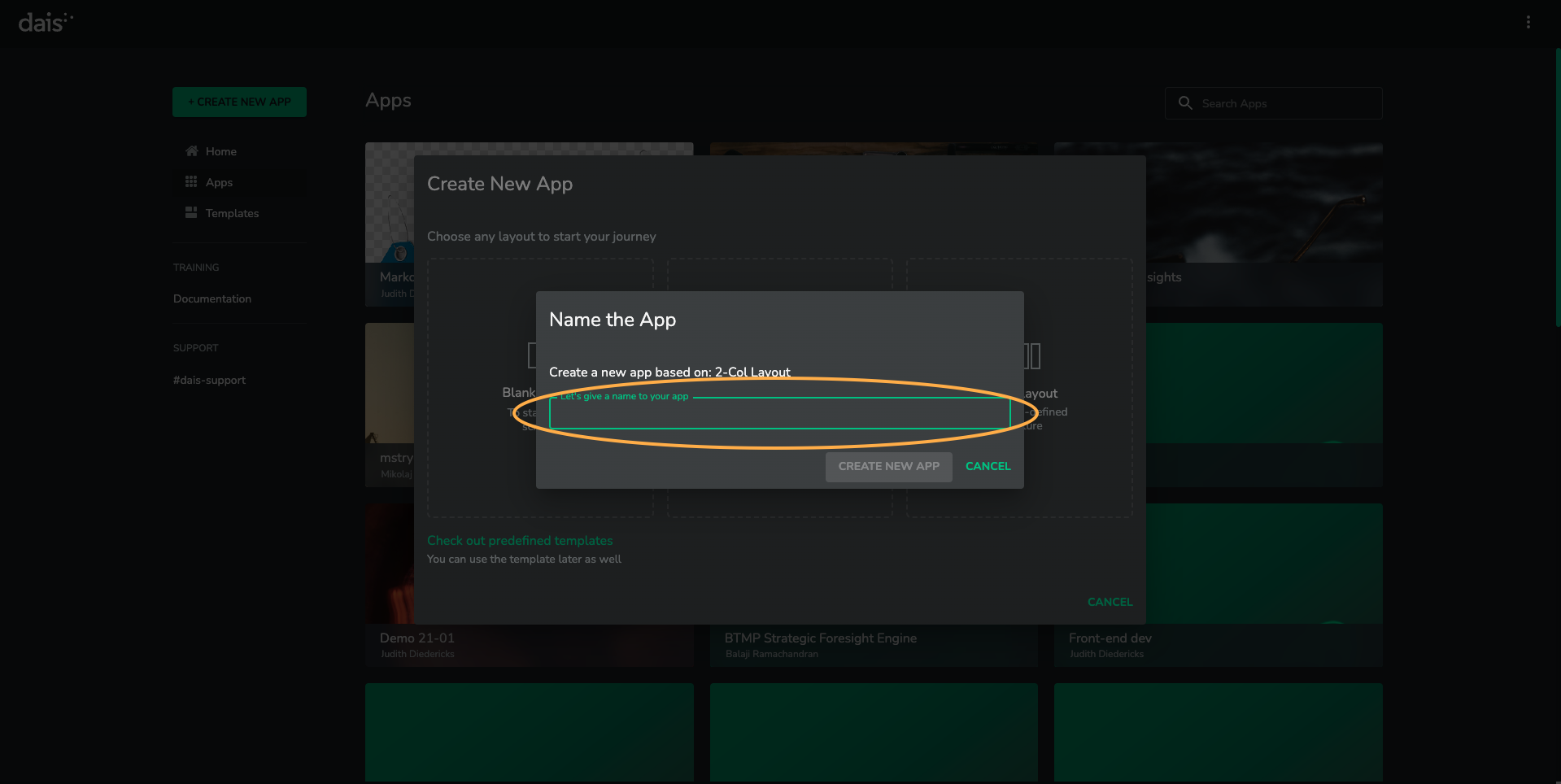
Choose an appropriate app name and provide a description of the app.
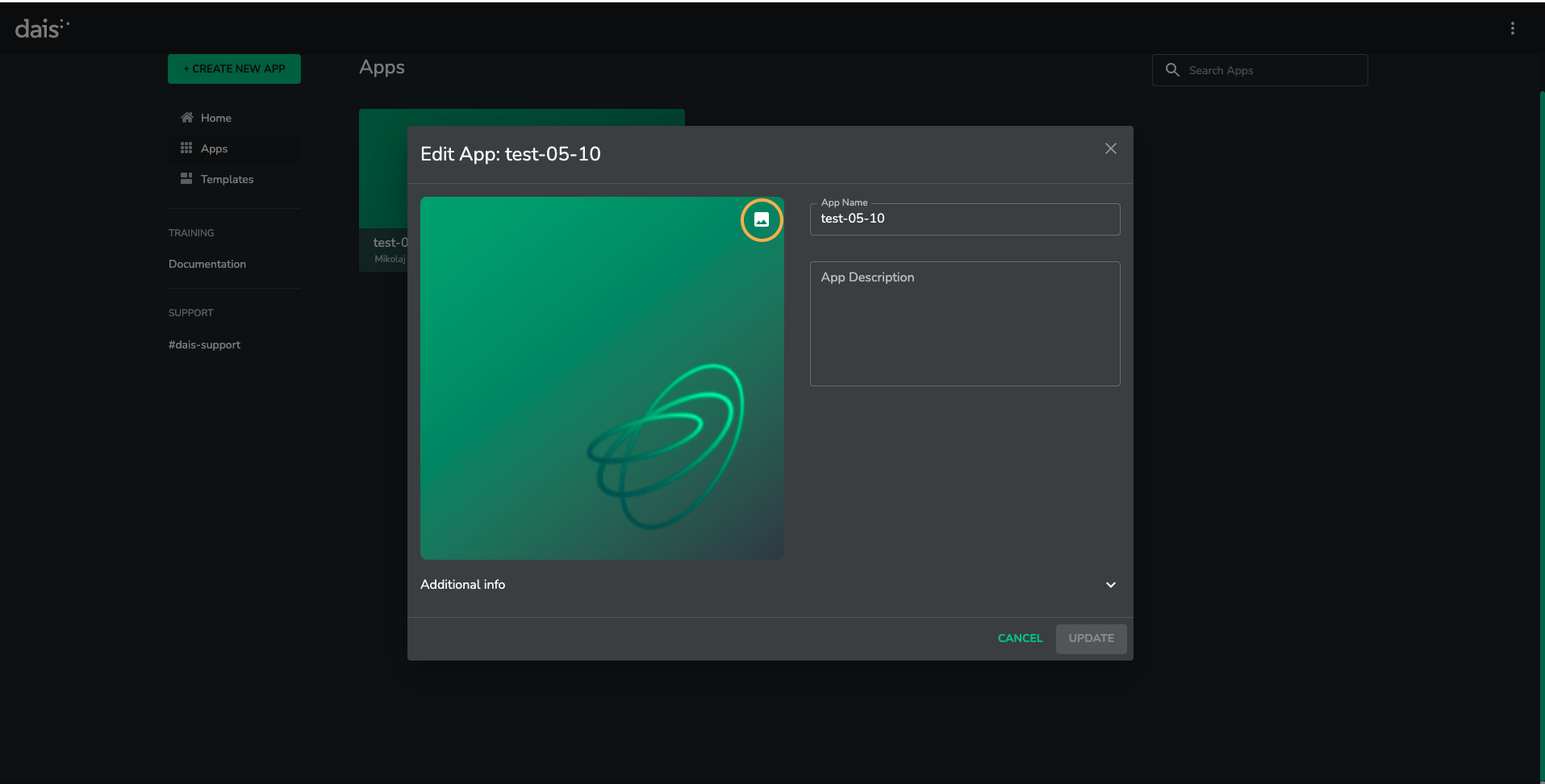
Choose an image.
First impressions count! Choose a glossy image for your app tile. https://www.eyeem.com/ is a good place to start.
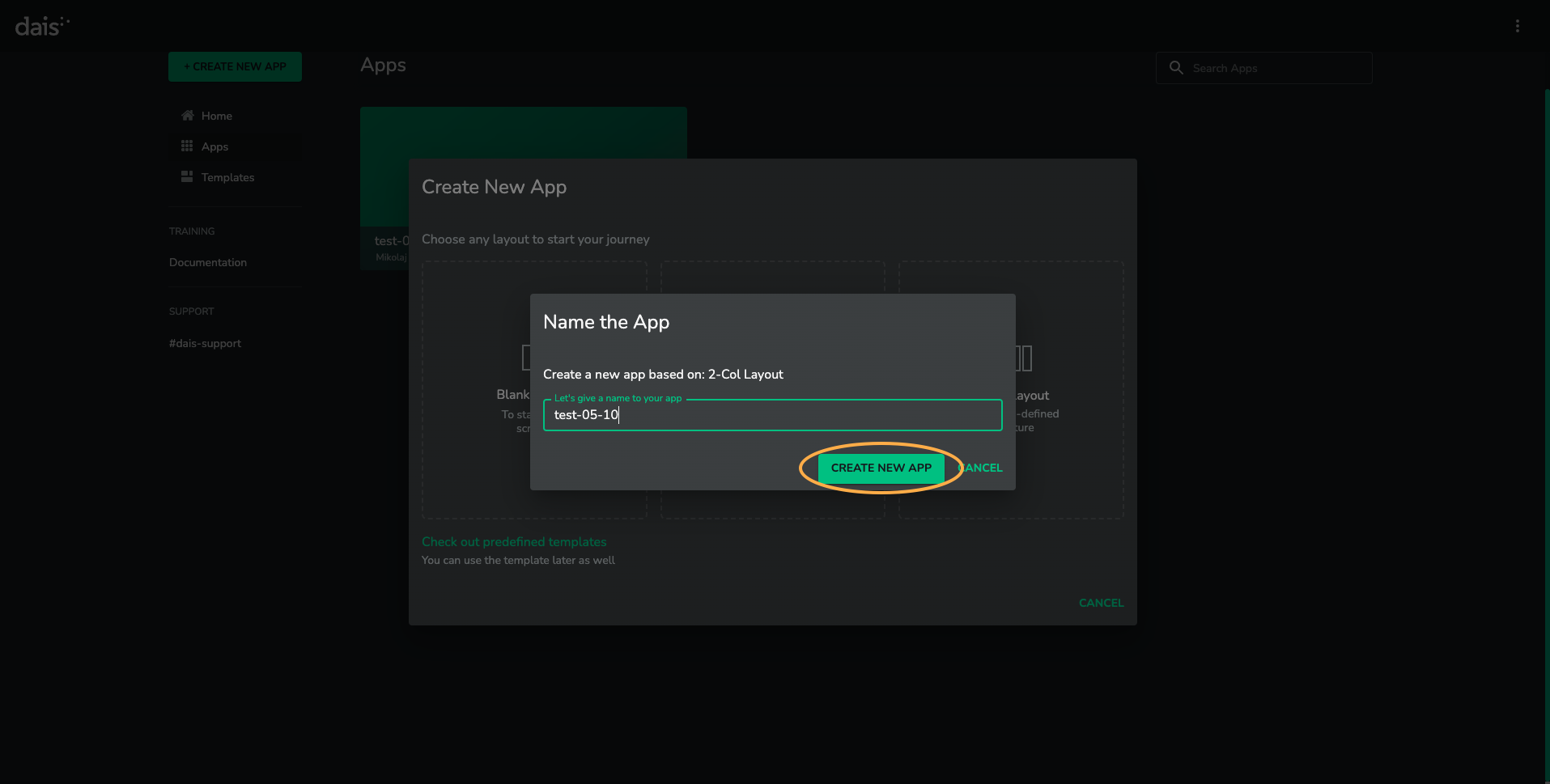
Click on "Create" to register the app.
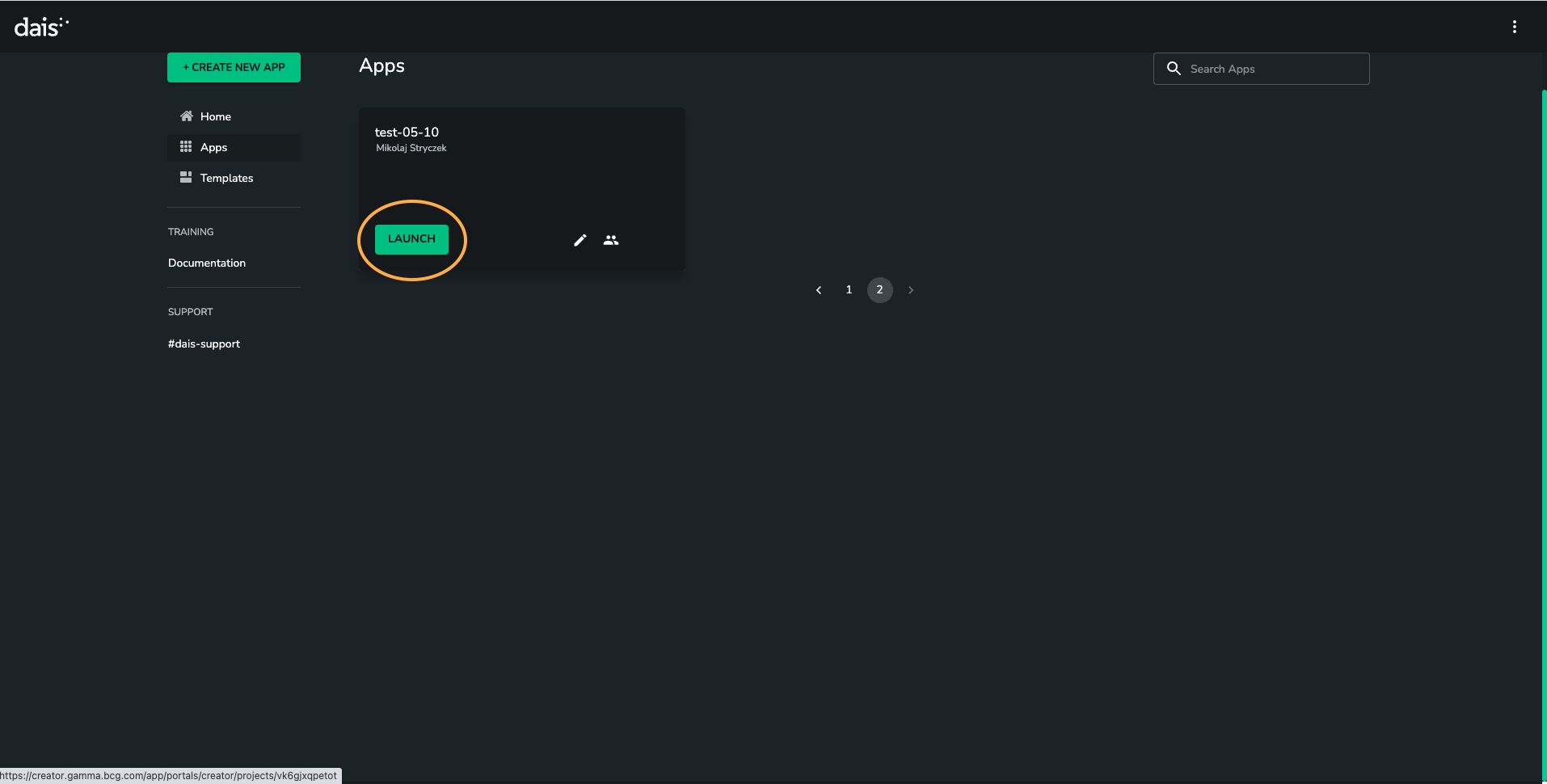
Click on "Launch". You have created an app!
The next step is to create a new scenario