Creating a Scenario
Hopefully by now you have created a new application and are ready to create your first scenario!
Steps
Click the
New Scenariotile.
Fill in the
Namefield.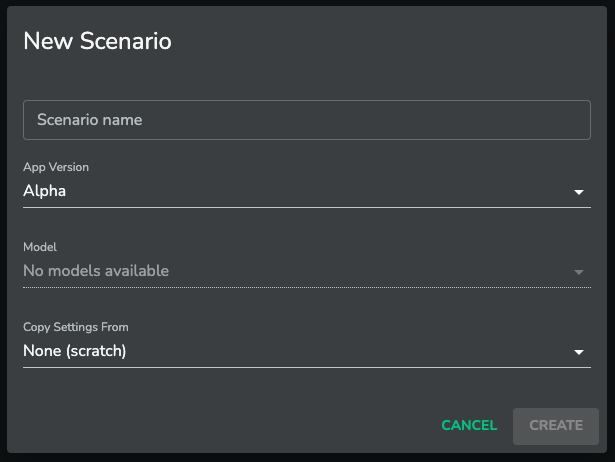
Click the
CREATEbutton (this will only become available when the scenario has been named)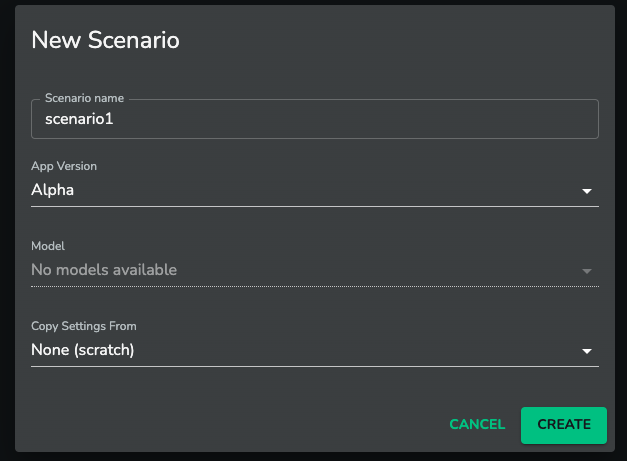
Note: You can have multiple scenarios with the same name. It will be up to the application users to manage this.
Click on your newly created scenario to start creating your application
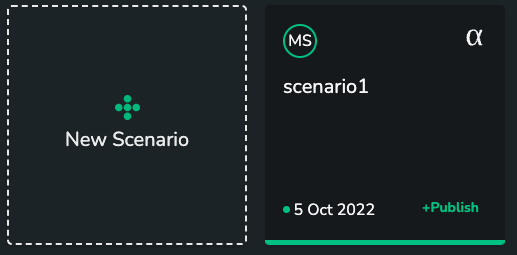
Congratulations!!
By now you will have created an application and your first scenario so that you can start to build your own UI!!