Component Properties
What do Component Properties do?
The component properties allow you to control different aspects of the component. This may be as simple as changing the text displayed on a label, or controlling the data table a chart is connected to and how that data should be filtered and rendered.
Editing Component Properties
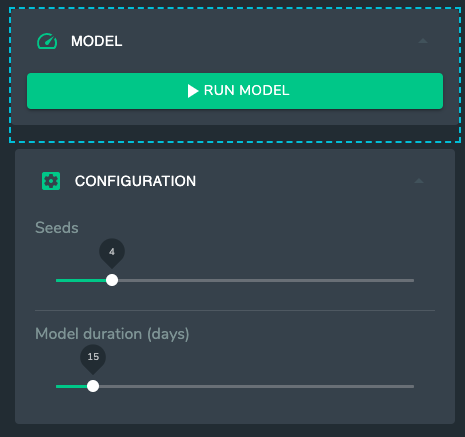
When a component has been selected as shown by the blue outline.
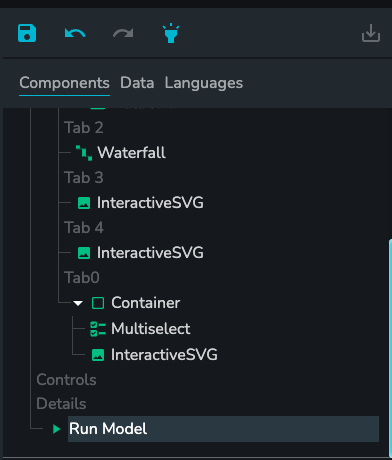
It also appears selected in the component tree as shown below.
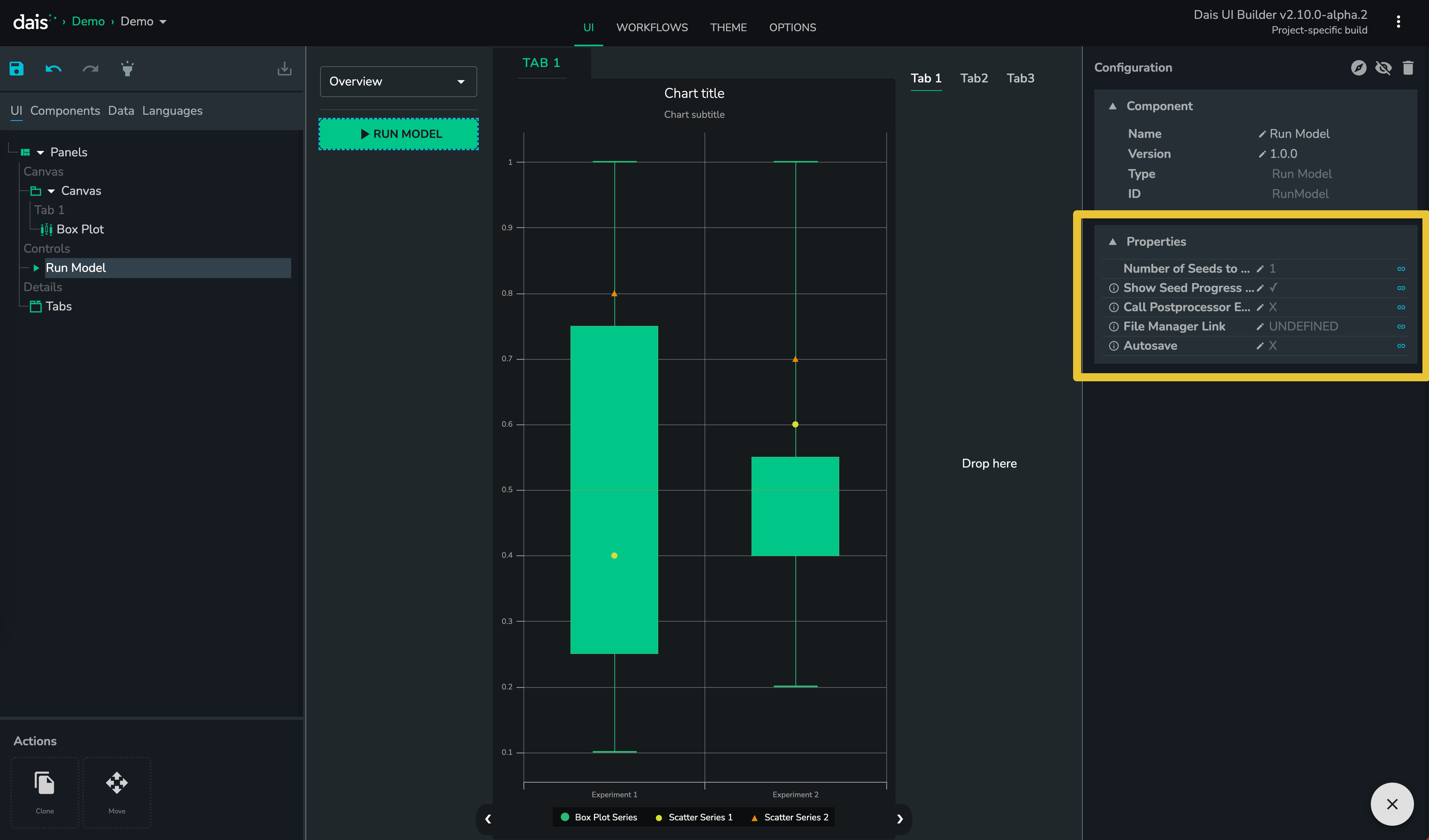
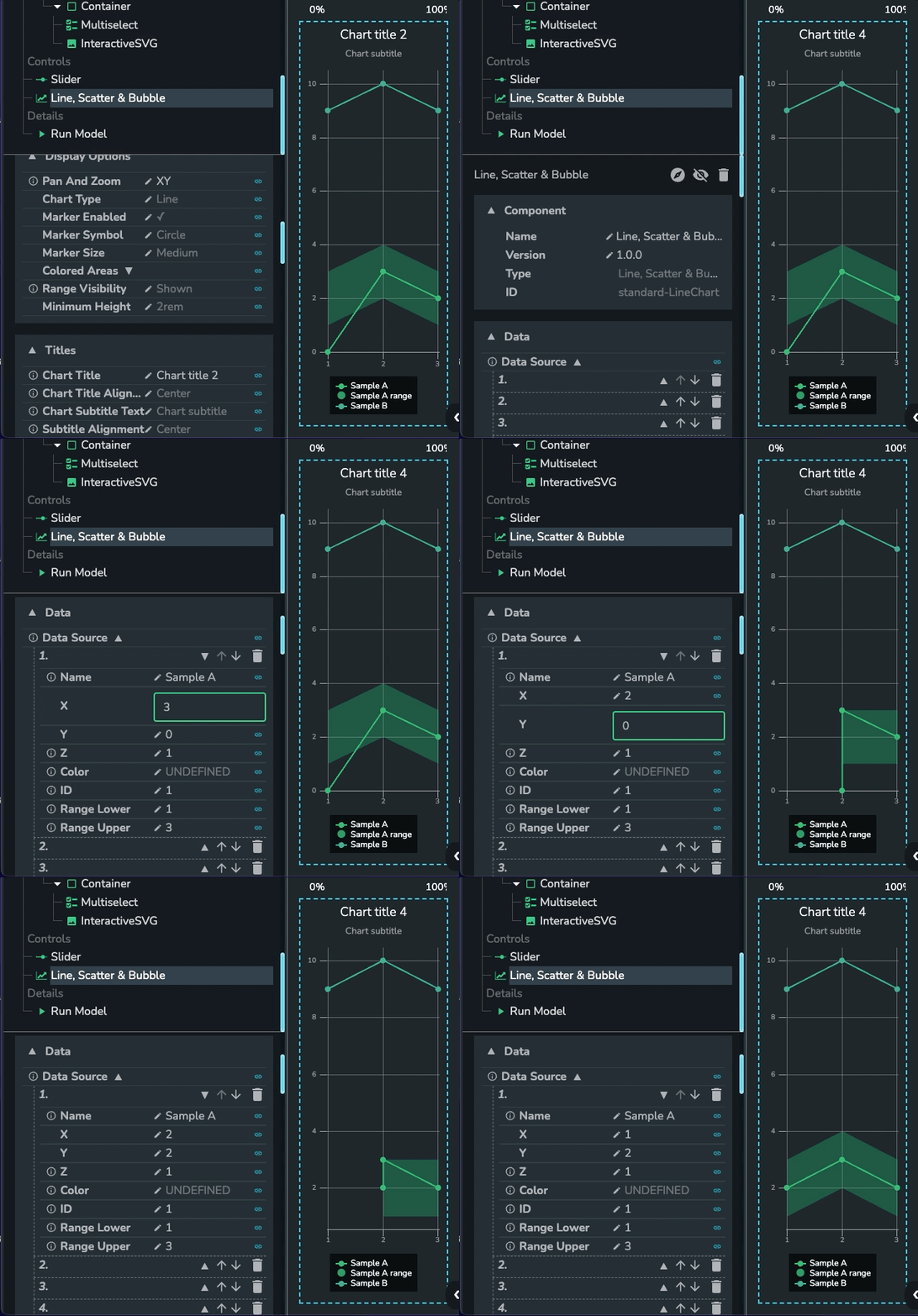
Then the editable properties of the component will be populated in the "Component Properties" section shown below.
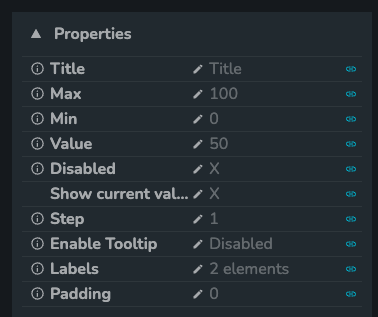
The properties shown will be different for each component. You will be able to edit these properties directly as shown below.
Or you can link the property to a data store, which will be covered in the next section.