Container
The Container component allows you to place parts of the scrollable area.
Example Usage
Storing large components
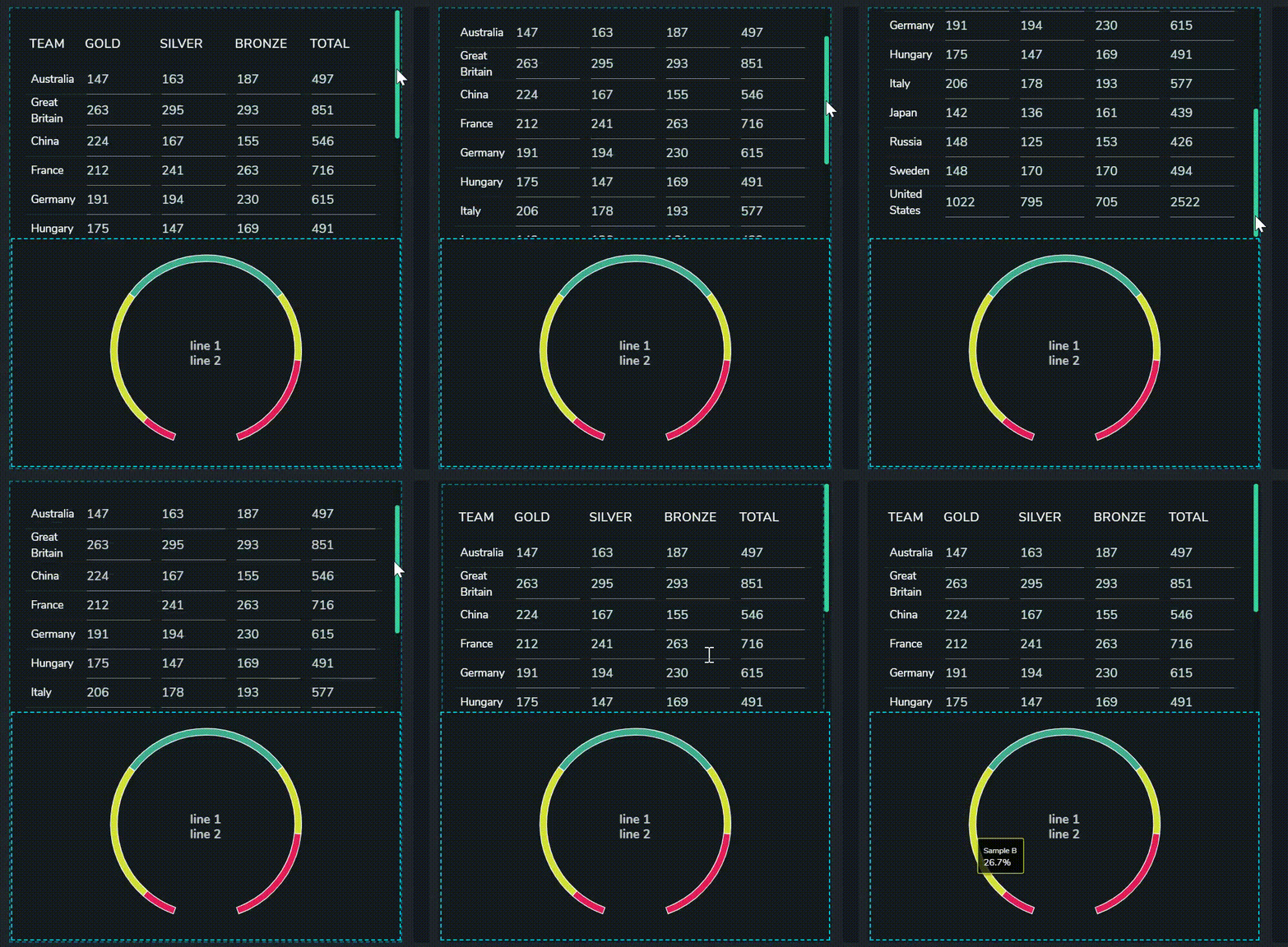
The example below displays a Data Grid and a Pie Chart on the same page. However, if the entire data grid is shown, there won't be enough space left for the pie chart. To accommodate both components in the view, the Data Grid can be added to a scrollable container.
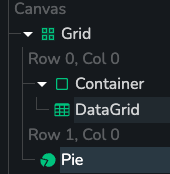
The above layout was achieved using the following component hierarchy:
Properties
Background Color:
- Dark
- Light
- None
Scrollable
- On / Off