Controlling Step Execution Order
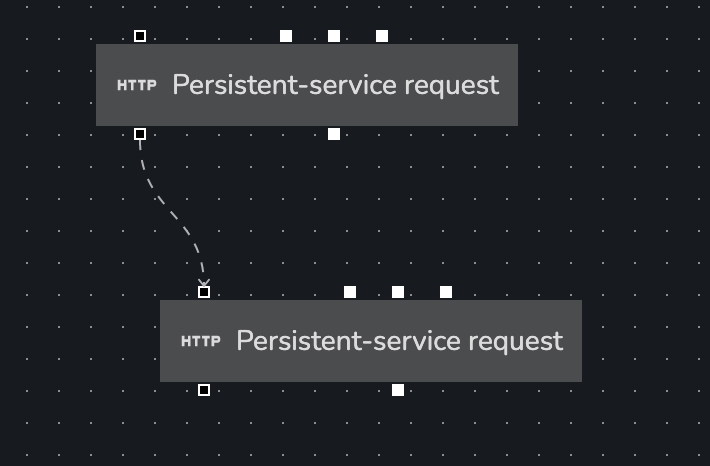
If 2 steps in a workflow are connected via a data link, the second step will always get executed after the first step
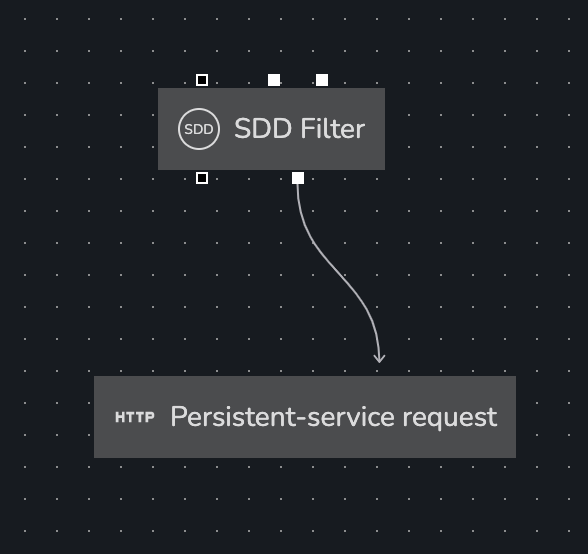
However, there are times where you want a step to execute after another step, but there are no data-links between the 2 steps. In this situation we can use the 'trigger' handle to link the 2 steps. This will tell App Builder to wait for the first step to execute the second.